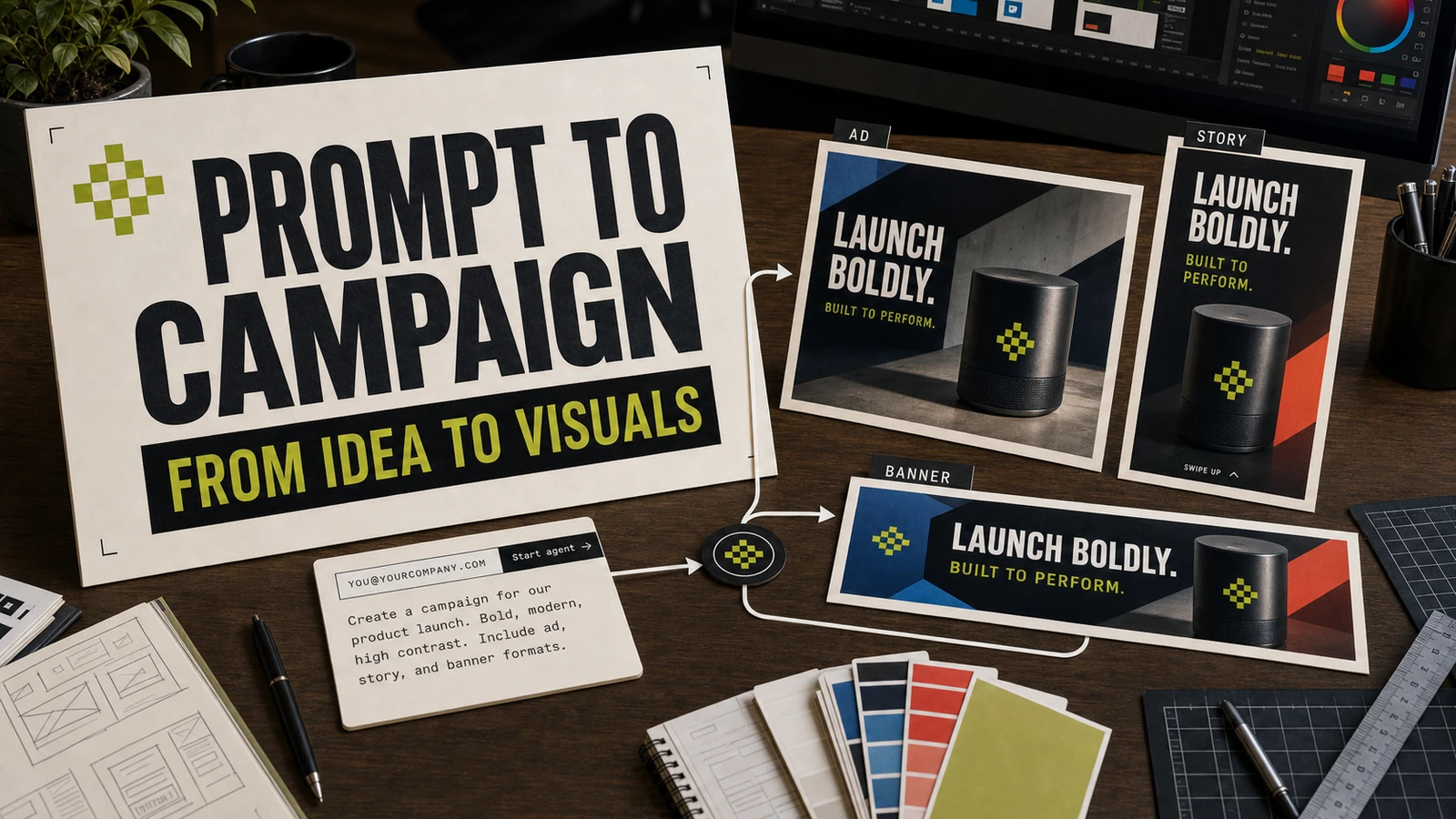
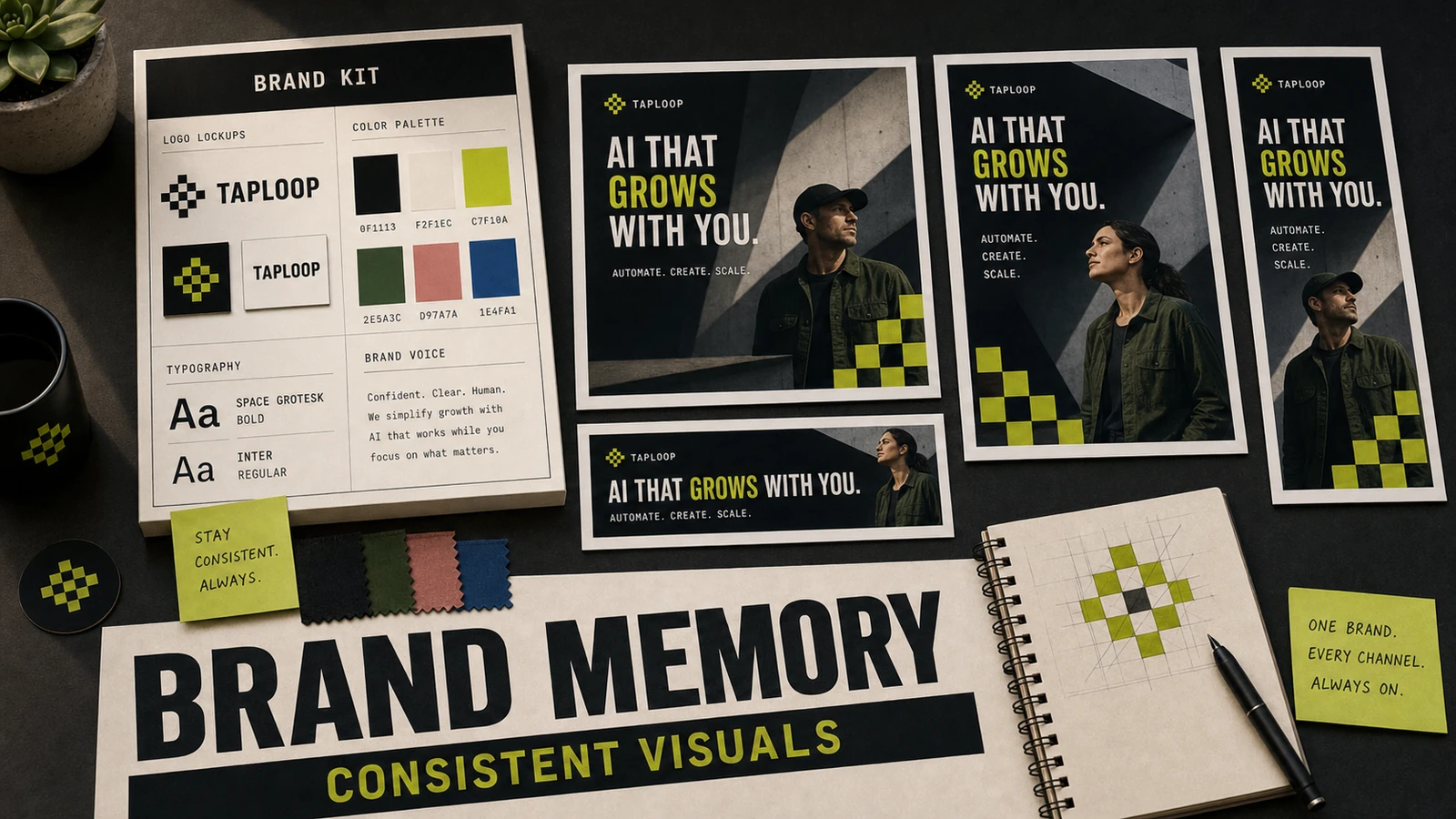
Every channel demands a different shape. Instagram feed wants 1:1 or 4:5. Stories and Reels want 9:16. YouTube and website heroes want 16:9. Posters want vertical. The same idea has to live in all of them — and badly resizing it is worse than not posting at all.
The mistake most teams make is treating the original asset as the finished piece. It isn't. It's a layout — a relationship between subject, headline, and breathing room. Studio stores the relationship, not the pixels, so resize actually understands what to move and what to keep.
We measured this with five customer launches. The average team spent 4 hours and 12 minutes resizing one campaign across channels manually. With Studio's reflow, the same set was ready in under 6 minutes — and the visual quality scored higher in our internal blind reviews.
What Studio resize actually does
- 01Reads your layout as subject + headline + supporting elements
- 02Reframes the subject for each ratio — never just stretches
- 03Re-flows headline size and line breaks to fit the new canvas
- 04Keeps brand colors, fonts, and spacing consistent across outputs
- 05Exports a complete kit (1:1, 4:5, 9:16, 16:9) in one batch
- 06Locks safe zones for platform UI (Story progress bars, Reels CTAs)
Turn this into a working AI campaign visual workflow.
Use the article as the strategy layer, then connect it to Taploop for audience selection, campaign execution, attribution, and follow-up. The SEO goal for this page is to answer the searcher's practical question and route them to the product surface that can run the workflow.