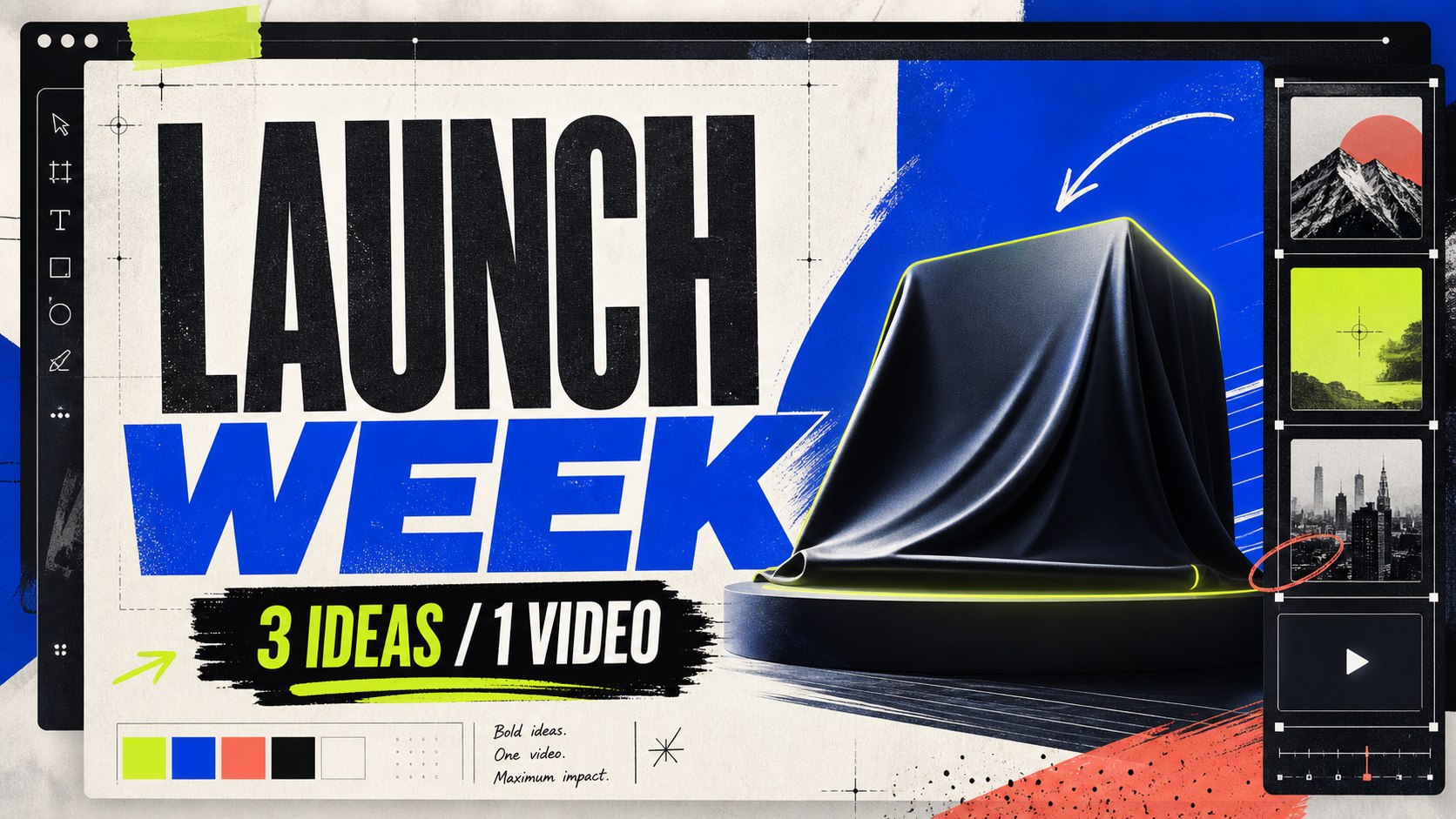
16:9
Thumbnails
YouTube, video, course, content thumbnails.
Generate posts, stories, thumbnails, ads, QR campaigns, product visuals, and website assets — all from one editable workspace.
Generate · Edit · Resize · Share — all in one place
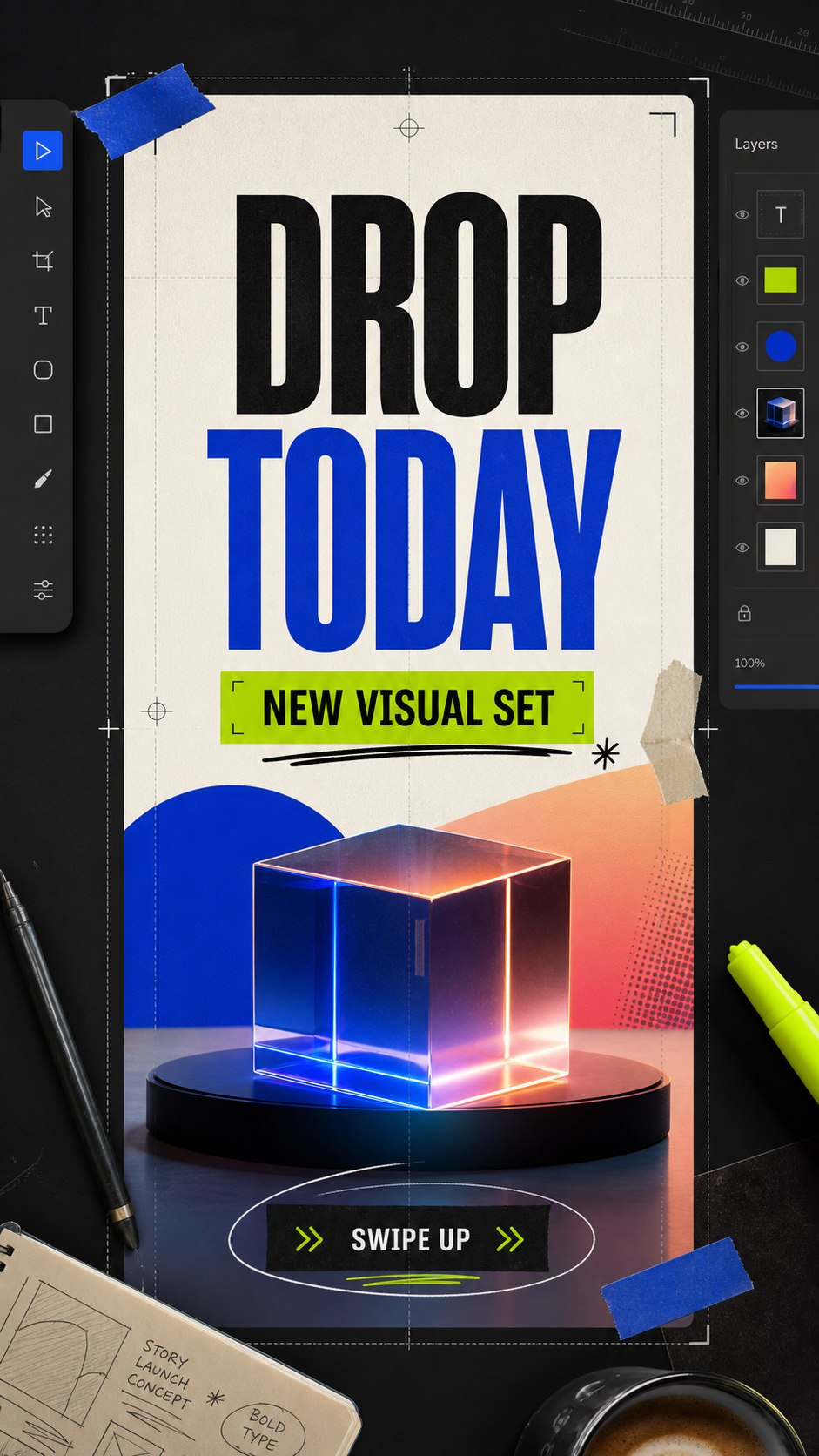
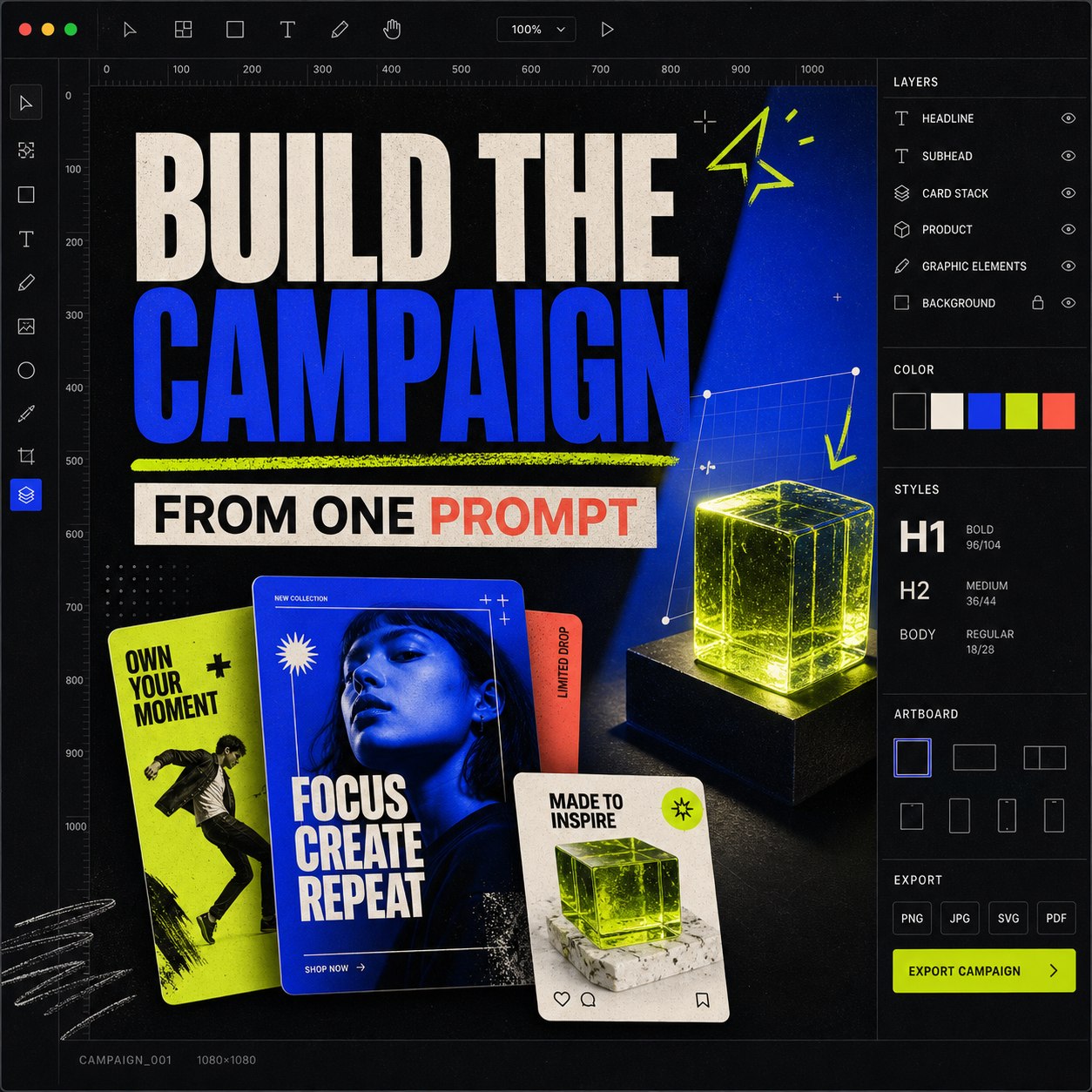
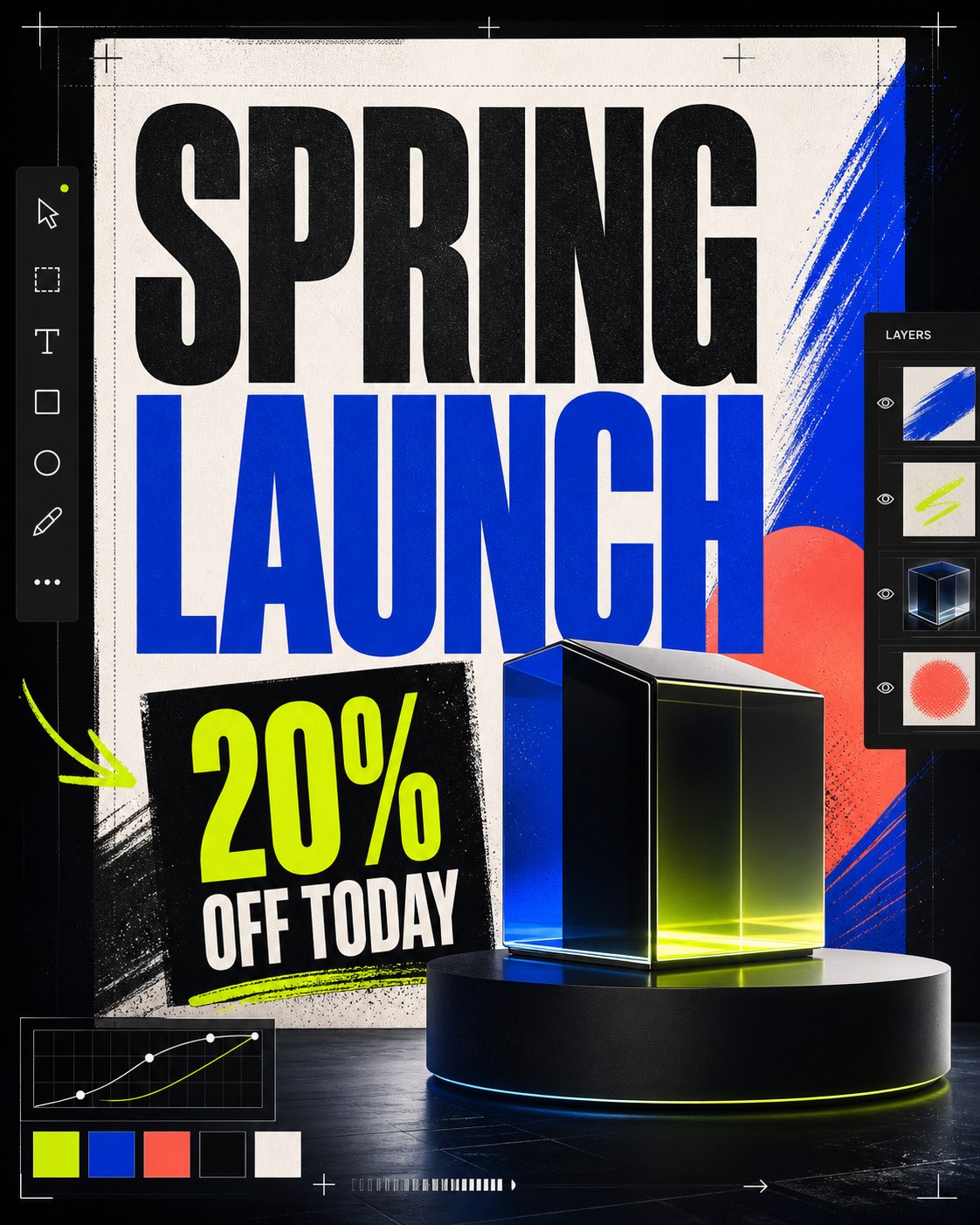
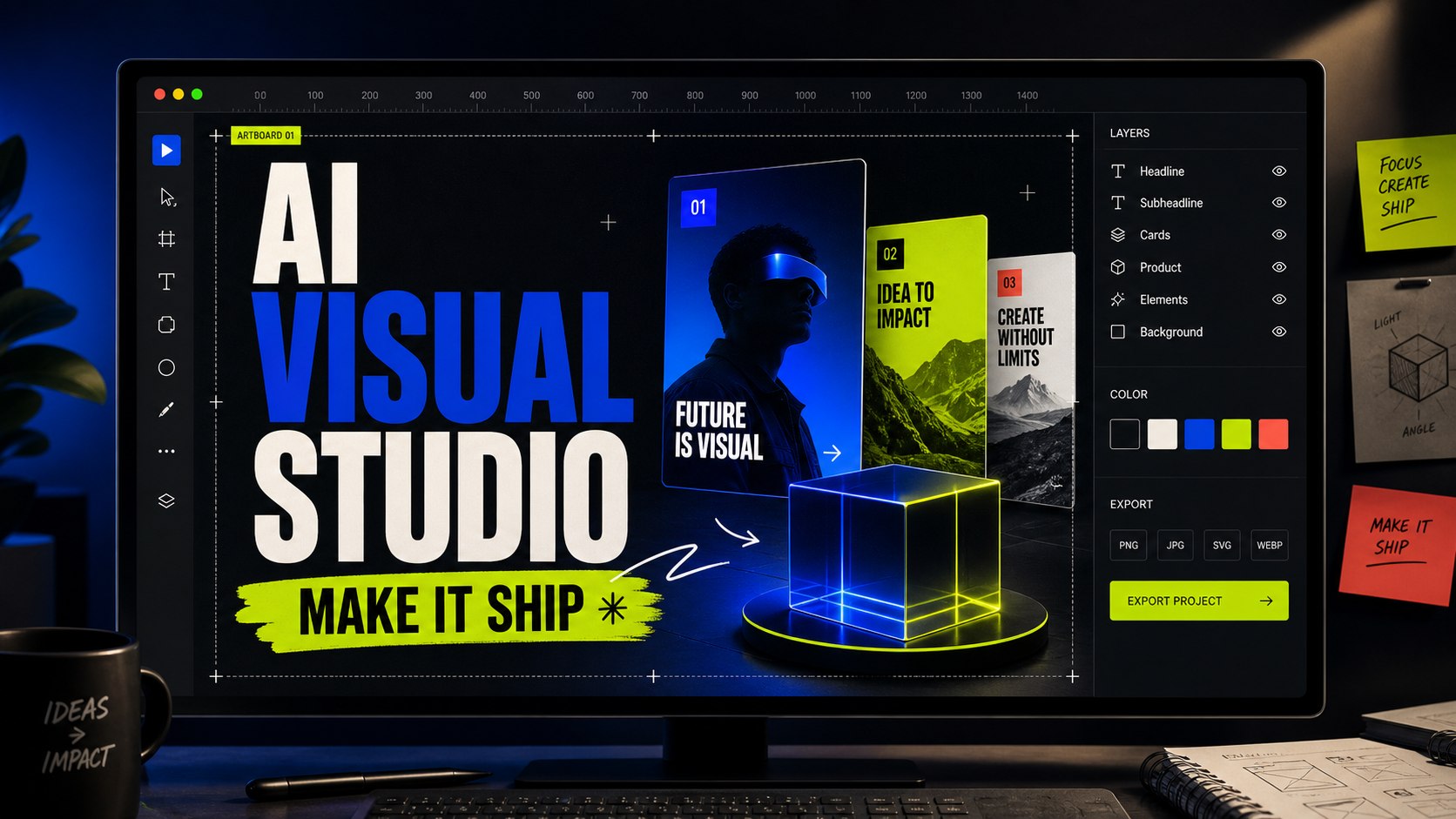
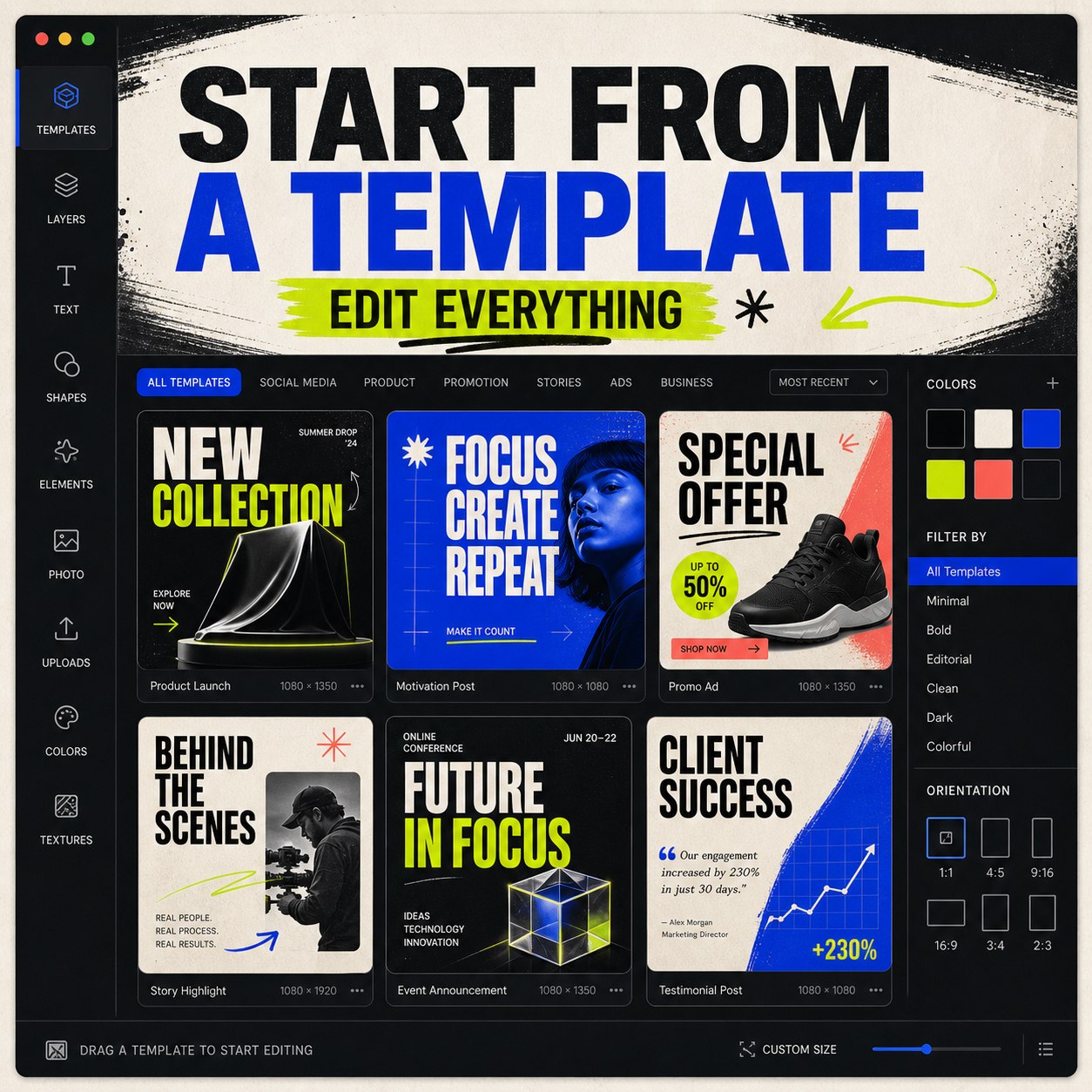
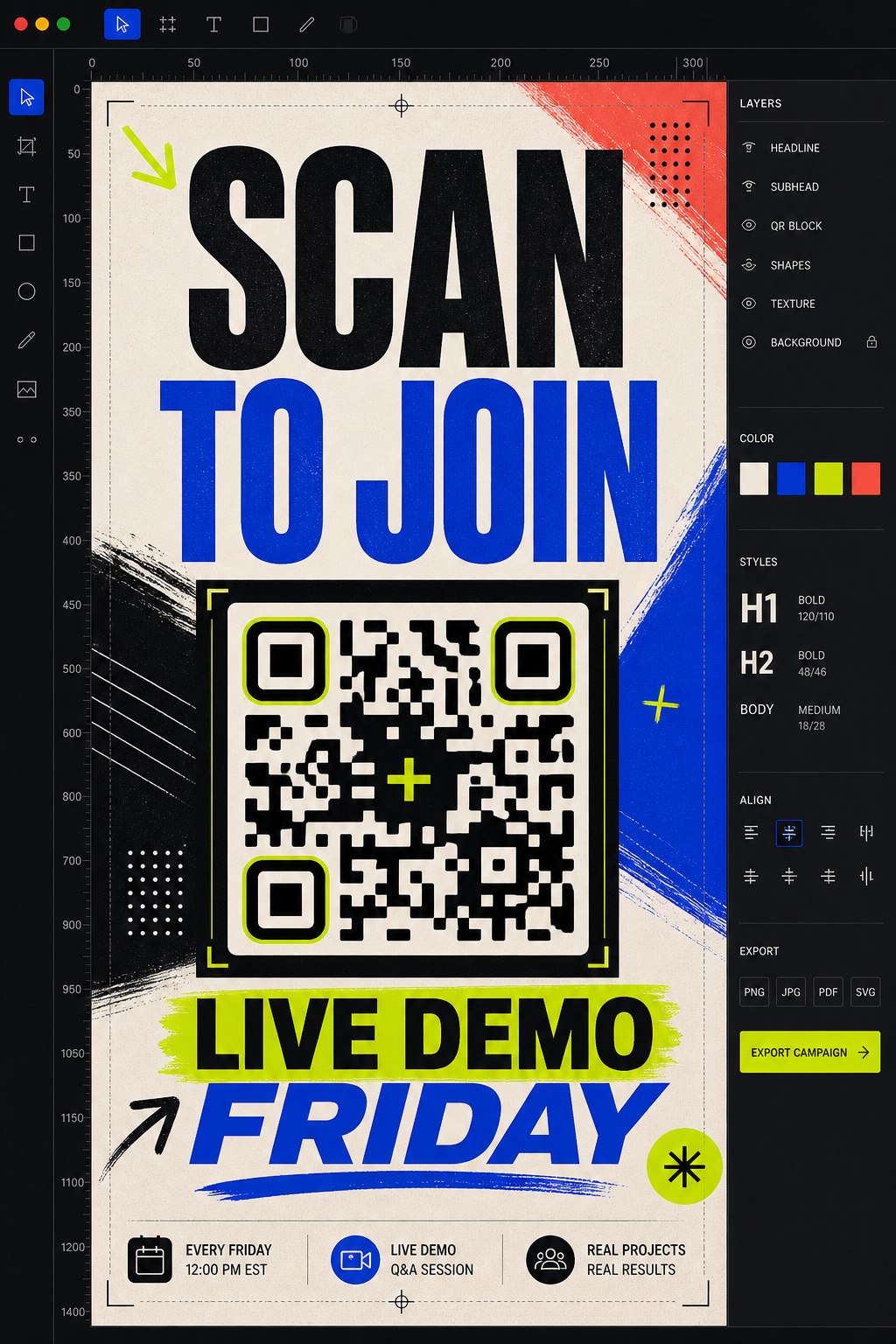
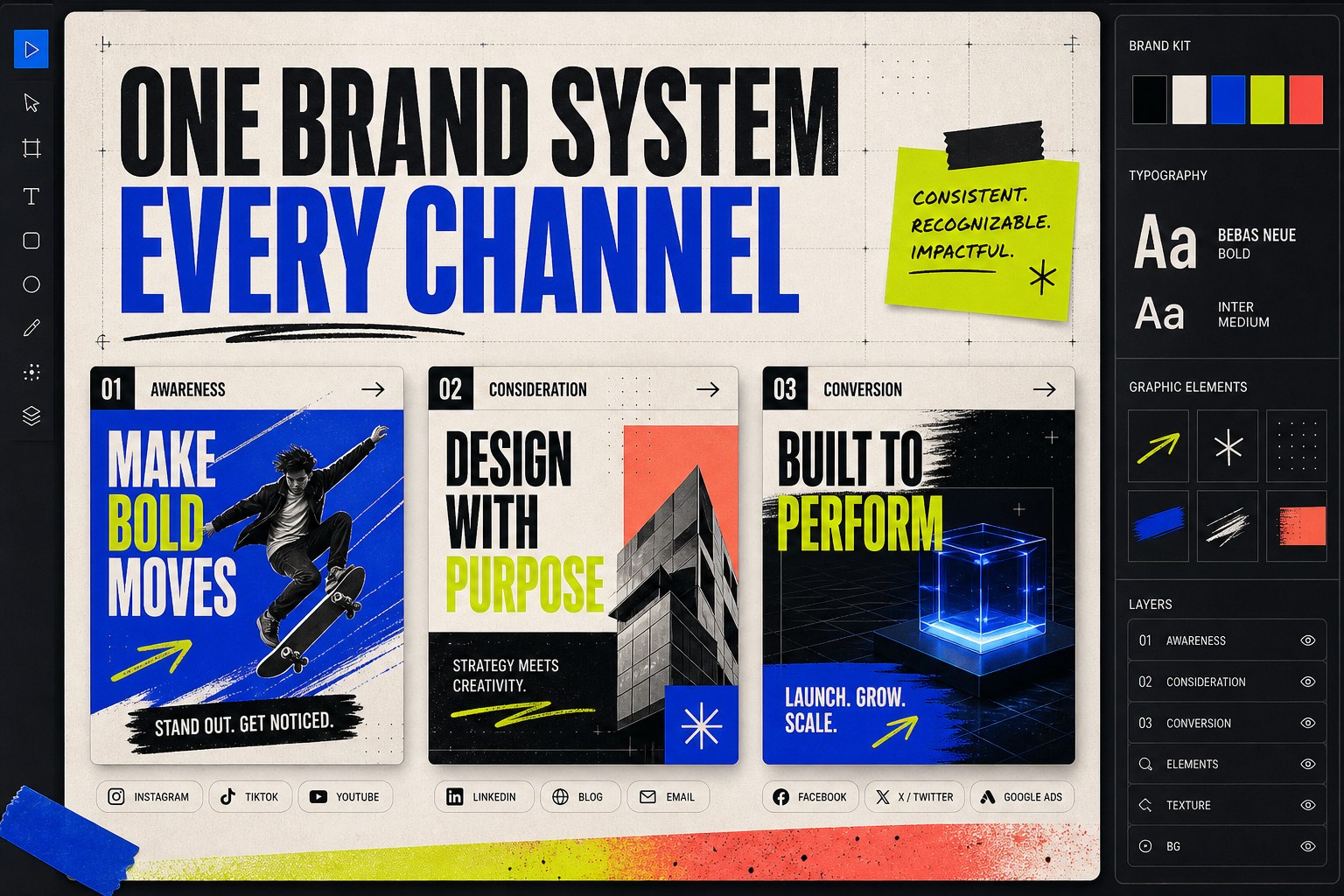
From social posts to website assets, Taploop Studio turns one idea into publish-ready formats.
YouTube, video, course, content thumbnails.
Vertical visuals built for mobile attention.
Feed posts, announcements, offers, launches.
Facebook, Instagram, banners, promo visuals.
Hero images, section graphics, banners.
Start from proven layouts and customize fast.
Booking posters, menus, lead capture, flyers.
Consistent campaign visuals using your style.
Six steps from prompt to publish. Click any stop to preview what happens.
Write a prompt or start from a template. Natural language in, campaign-ready visuals out.
Write a prompt or start from a template. Natural language in, campaign-ready visuals out.
Average idea to share: under 3 minutes
Pick a layout, replace the message, edit the design, and keep future prompts clean.
Eight short, hands-on lessons. No theory dumps — open Studio in a side panel and build alongside the lesson.
Field notes, playbooks, and post-mortems from teams shipping Taploop Studio every day.
All posts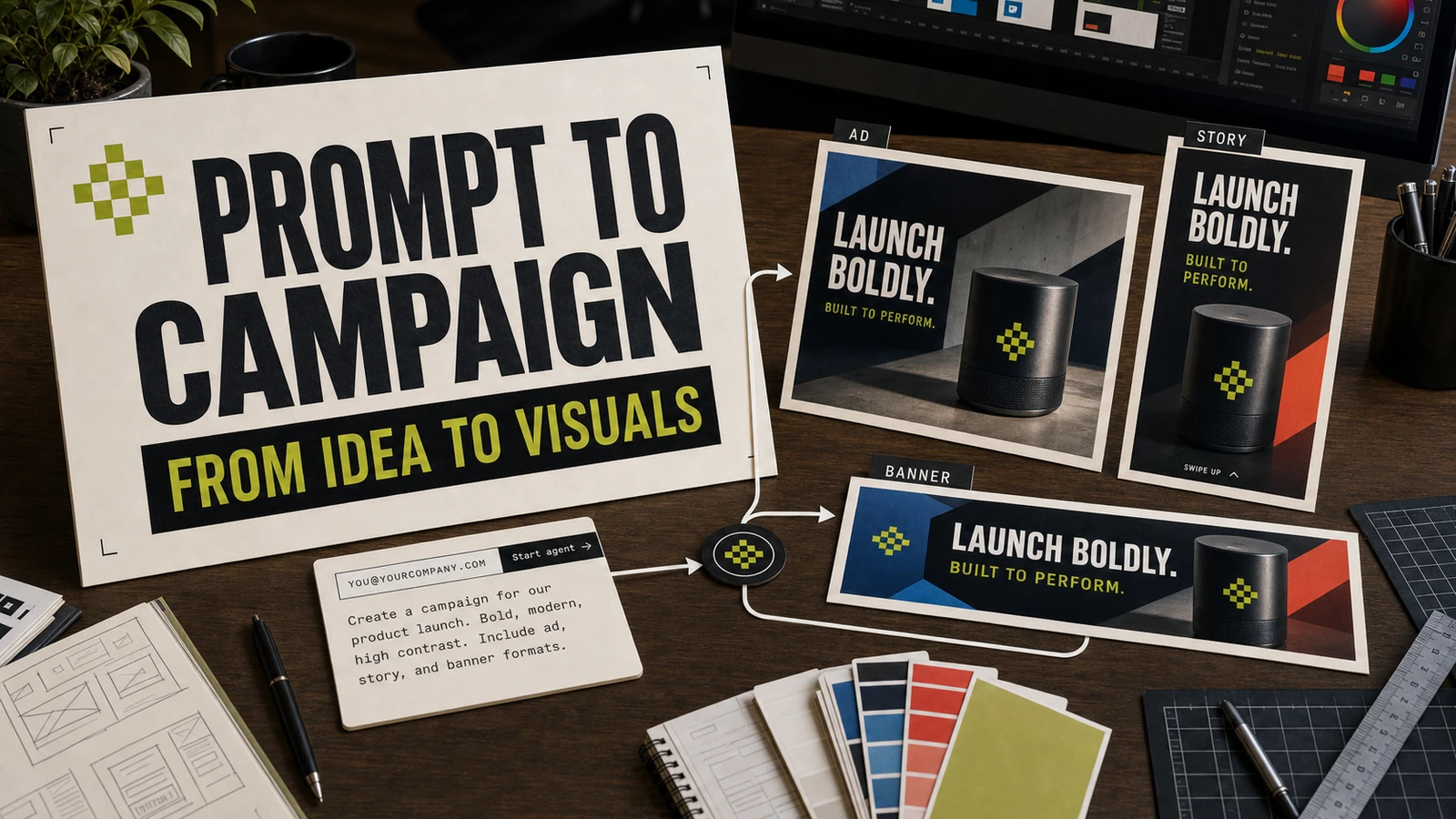
How a single sentence becomes a campaign-ready visual you can ship across every channel.
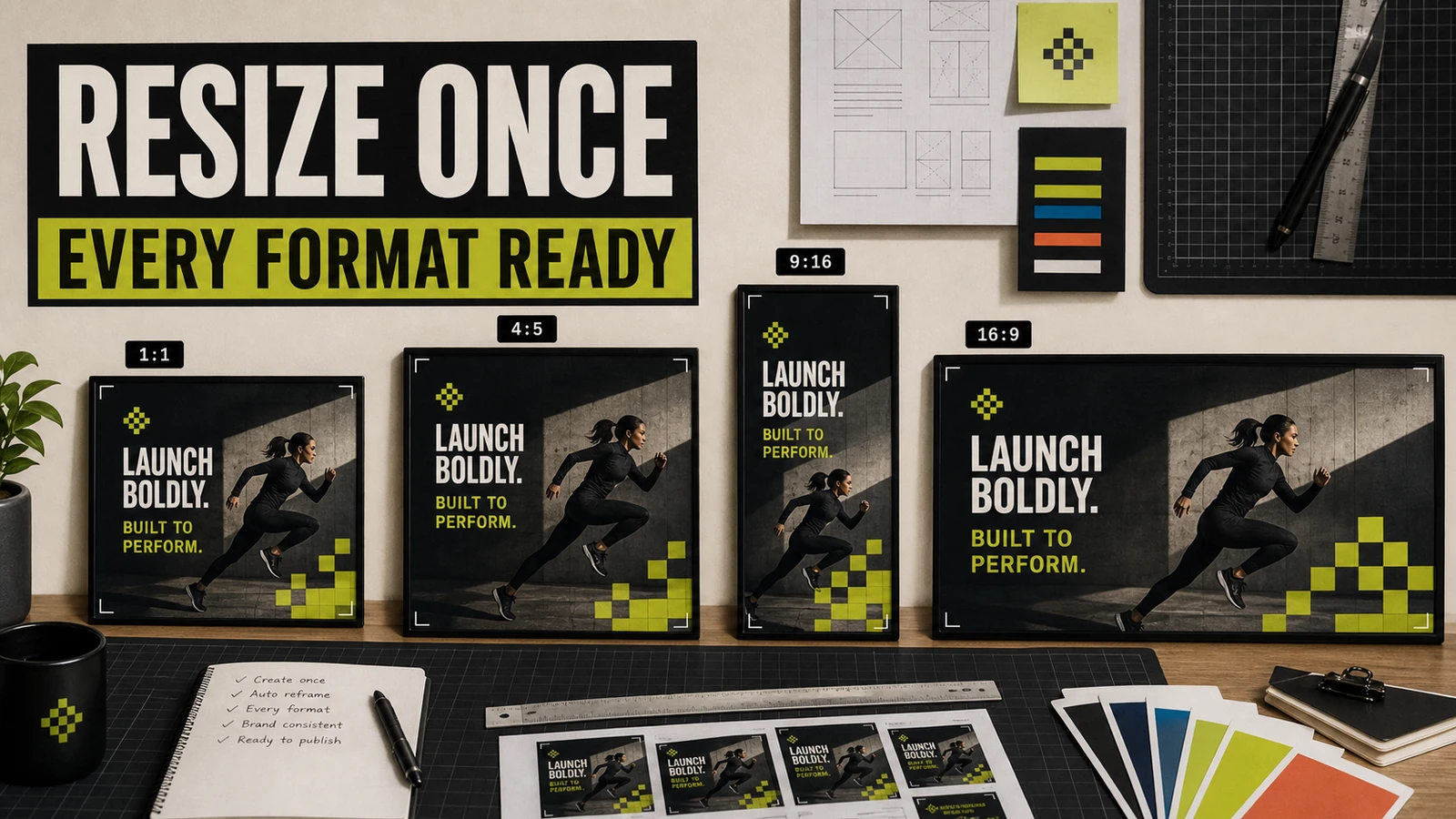
Why your hero image should be a layout — not a render — and how Studio reflows it for every channel.
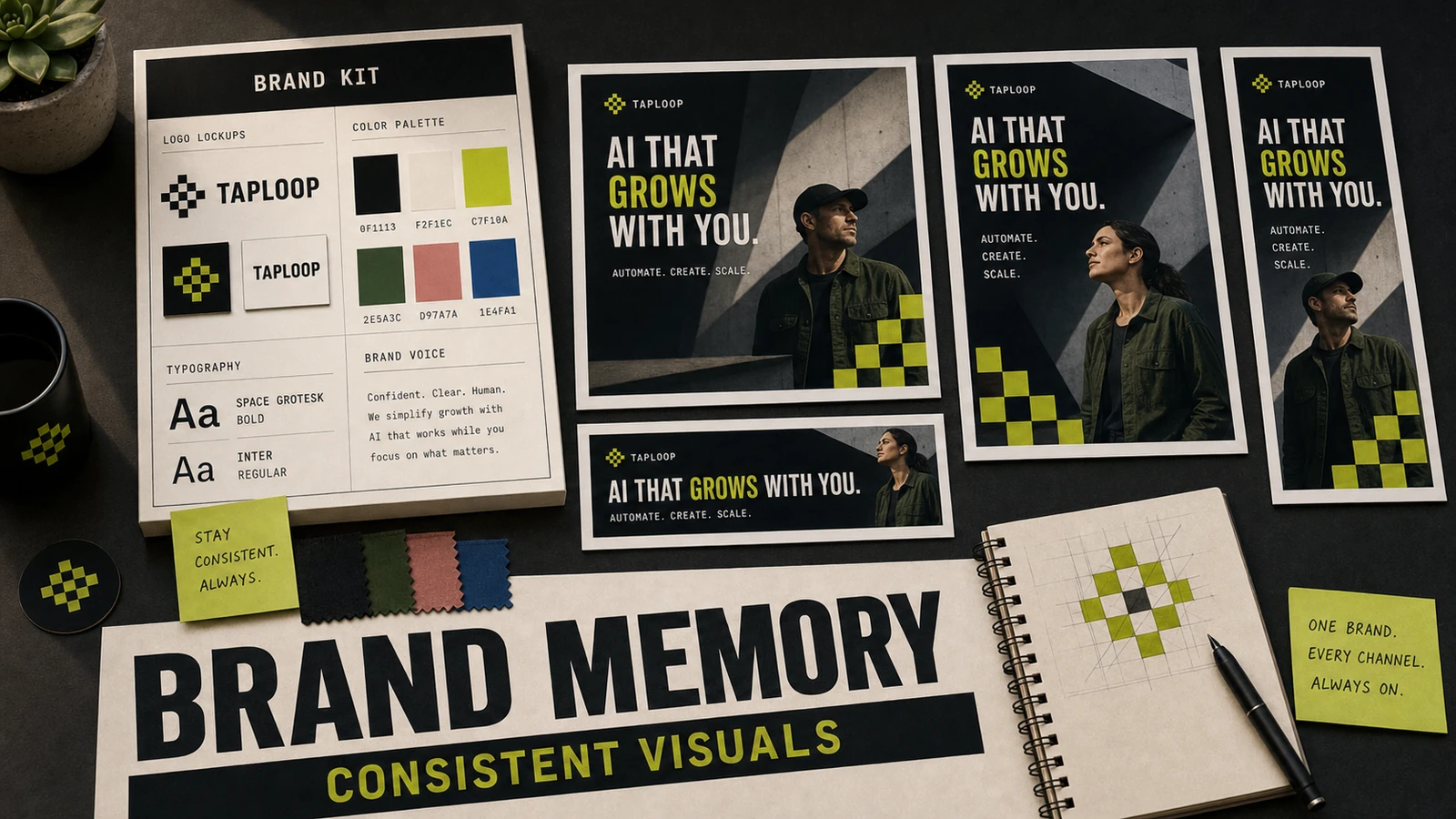
How to set up a Studio brand kit once so every visual you generate looks like it came from the same studio.
Your marketing agent is one email away.