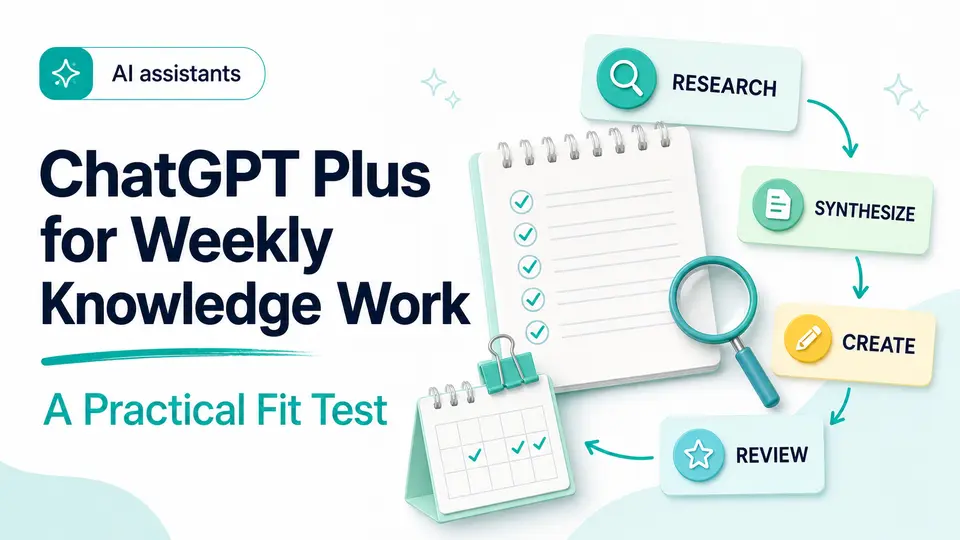
A freelance analyst has a client brief due Friday morning. The source folder contains interview notes, a spreadsheet, and a long report. ChatGPT can help organize the material, but the analyst still has to protect confidential information, inspect every citation, and reconcile the numbers. Paying for Plus only makes sense if the expanded workflow saves more time than those checks consume.
That is the useful version of the question. ChatGPT Plus is not automatically worthwhile because it has more tools, and it is not automatically unnecessary because a free option exists. Its value depends on a recurring job, the provider's current limits, the account that will own the plan, and a review process strong enough to catch a confident mistake before it reaches a customer or colleague.
The short answer
- Start with a weekly job you can name, not a vague desire to use more AI.
- Confirm the account, usage-limit, billing, and access details that affect your workflow.
- Treat fluent answers as drafts and verify important sources, calculations, and decisions.
Decide from the job, not the feature list
ChatGPT Plus is easier to evaluate when you begin with a repeatable outcome. That could be turning interview notes into a brief, analyzing a spreadsheet, revising a proposal, researching a market, or explaining unfamiliar code. Write down the task, how often it occurs, and what a good result saves you. If the task is rare or the free experience already handles it, a paid plan may add little practical value.
A useful ChatGPT Plus review also accounts for review time. The tool can accelerate a first pass, but you still own the facts, tone, permissions, and final decision. The subscription makes more sense when faster drafting and analysis outweigh both the plan cost and the time required to check the output.
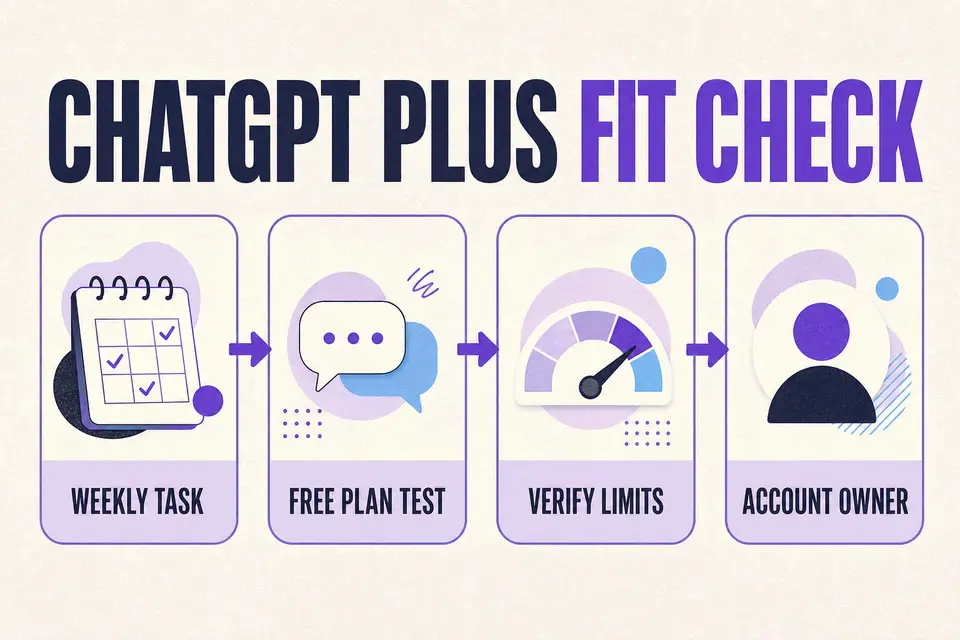
- Name two or three tasks you expect to run every week.
- Estimate the time saved after fact-checking and revision.
- Identify any files or private data that should not be uploaded.
- Test whether the free plan already covers the real workload.
Review the current plan scope and limits
ChatGPT Plus plans are provider-controlled and can change. Current official information describes expanded access to messaging, file analysis, image creation, research, voice, and other tools, while also noting that usage limits can apply. Expanded access is not the same as unlimited access, and API usage is a separate product.
Before choosing an offer, check the provider page on the same day. Look for the models and tools you actually need, supported devices, message or media limits, and the billing cadence. Avoid basing the decision on a screenshot, an old review, or a feature that is still being rolled out.
The subscription makes more sense when faster drafting and analysis outweigh both the plan cost and the time required to check the output.
Taploop decision principle
Run a week-long trial against your real workload
Create a small benchmark before relying on a paid plan. Choose one routine task, one difficult task, and one task where an error would matter. Record the time spent preparing context, producing a first result, checking the answer, and revising it into something usable. Compare that total with your normal process instead of timing only the first response.
Repeat the exercise across several days because a single impressive answer can hide inconsistency. Note which tools or limits actually affect the work, where the conversation loses context, and how often you abandon the output. Keep sensitive client, employee, financial, or health information out of the test unless its use is permitted by your organization and the provider's current data controls meet the requirement.
- Routine task: measure whether the plan removes repetitive preparation or editing.
- Difficult task: count the prompts and corrections required for a defensible result.
- High-consequence task: record every source, calculation, and approval needed before use.
- Final score: compare verified time saved, not response speed alone.
Resolve account ownership and activation questions
Your account is part of the product. Confirm which email or sign-in method will own the subscription, whether the offer applies to an existing account, and who controls billing and recovery. OpenAI's help guidance says ChatGPT subscriptions cannot be transferred between accounts, so an unclear account path is a material reason to pause.
The Taploop product page separates published offer facts from missing facts. Read its access, duration, renewal, region, and remedy fields before proceeding. If a field that matters to you is not specified, do not fill the gap with an assumption; wait for a published offer that answers it.
Know when Plus is not the answer
Plus may be a poor fit when your usage is occasional, the free plan already handles the work, or company policy prevents you from providing the context that would make the tool useful. It is also the wrong purchase when the real requirement is API integration, centralized team administration, a guaranteed usage level, or a provider feature that the current consumer plan does not document.
Do not subscribe to solve an undefined productivity problem. If the benchmark shows little verified time saving, keep the free workflow and revisit the decision when the workload changes. If the issue is research traceability, long-document work, or coding inside a development environment, compare the specialist alternatives before paying for a broad assistant and another tool later.
Compare the nearest alternatives, then run the checklist
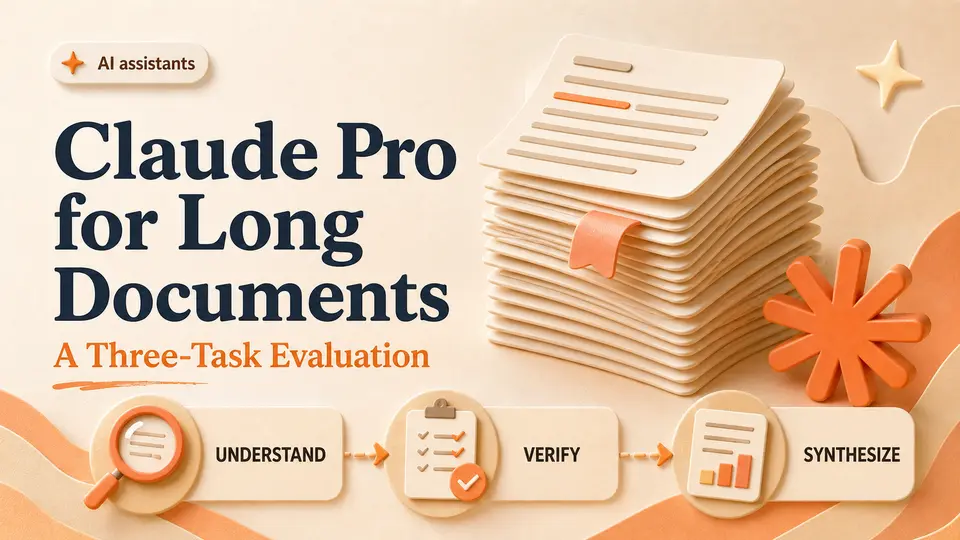
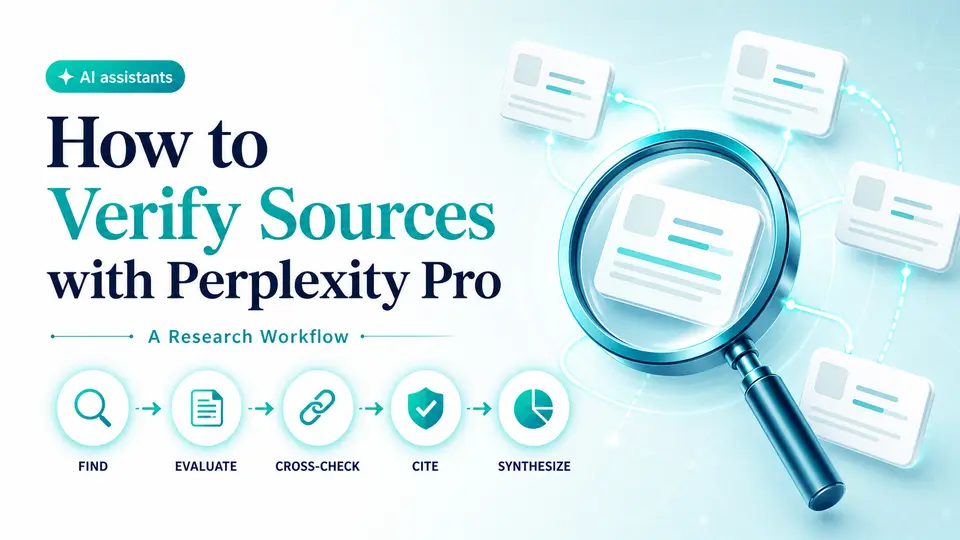
For long-form document work, compare the decision with Claude Pro. For research centered on web sources, inspect Perplexity Pro as well. These are workflow choices, not a universal ranking: the best fit depends on what you create, how you verify it, and where your existing work already lives.
Before checking current ChatGPT Plus offer details, confirm the named plan, term, total, account path, region, renewal behavior, provider requirements, and what happens if access cannot be used. That evidence matters more than a broad discount phrase or an unqualified promise of speed.
The verdict
Verdict: worthwhile for a measured, repeatable workflow
ChatGPT Plus is easier to justify for a person who uses advanced ChatGPT workflows several times a week, can provide appropriate context, and has a disciplined way to review the result. It is harder to justify for occasional questions, tasks already covered by free access, or work that cannot safely be shared with the service. The best evidence is a week of your own verified time savings, not a generic list of features.
If that test supports the purchase, confirm the provider plan again and read the live Taploop offer as a separate contract. The plan identity, account path, term, region, renewal behavior, final total, and remedy details should all be explicit before payment. If any material fact is missing, waiting is a better decision than assuming the most convenient answer.
Product guide
Need the complete ChatGPT Plus guide?
Review product capabilities, platforms, official sources, and the current Taploop buying path in one place.
Compare before you choose
These comparison and category pages help you review nearby products and tradeoffs before choosing.
Continue with a related workflow
These nearby articles cover other practical questions about chatgpt plus workflow fit test that you may want to explore next.
- Is Claude Pro Worth It? A Three-Task Evaluation
- How to Verify Sources with Perplexity Pro: A Research Workflow
- Testing GitHub Copilot on a Real Repository: A Delivery Scorecard
- Notion AI for Team Knowledge: A Retrieval and Handoff Test
- Cursor Pro for Repository Refactors: A Code Review Trial
- Grammarly Pro for Editorial QA: A Three-Pass Writing Test

Ready to review ChatGPT Plus?
Check the product page for the currently published plan, term, account, region, renewal, price, and remedy details. Purchase controls appear only when the required offer data and inventory are present.
Frequently asked questions
Is ChatGPT Plus worth it for occasional use?
It is harder to justify for occasional tasks already covered by the free plan. Test the exact work you do, include preparation and verification time, and compare the complete result with your current process. A faster first draft does not create value when it needs extensive correction or when the task only appears once every few months.
How should I compare free ChatGPT access with Plus?
Use the same routine, difficult, and high-consequence tasks on the access you currently have. Record which required tools or limits block the work, how much verified time each attempt saves, and whether the result is consistently usable. Then check the official pricing page because plan capabilities and limits can change after this guide's review date.
Can a ChatGPT Plus subscription move to another account?
OpenAI's current help guidance says ChatGPT subscriptions cannot be transferred between accounts. Confirm the intended email and sign-in method before purchase, and make sure that account is appropriate for the work, billing, recovery, and records that will live there.
Does ChatGPT Plus include API credits?
No. OpenAI documents ChatGPT subscriptions and API billing as separate products. If your goal is to connect a model to software, automate a production process, or manage usage programmatically, evaluate the API requirements and costs separately rather than treating Plus as an integration plan.
What should a Taploop ChatGPT Plus offer state?
Look for the exact plan, represented term, final total, intended account path, region, renewal treatment, provider requirements, and remedy terms. Purchase controls should appear only when the required offer data and inventory are present. Do not infer transferability, instant access, or a guarantee from the product name alone.
Official sources reviewed
Product plans change. These provider sources were checked on July 18, 2026; review them again when you make a purchase decision.